 InkLayer
Yours to keep
A library is a folder of Markdown, PDFs and small sidecar files. Open it with other apps; back it up anywhere.
For iPhone, iPad and Mac
InkLayer keeps every layer separate and every file yours: write on PDFs without changing them, link Markdown notes, and lay it all out side by side.
 Free to download · No account needed


PDF annotation
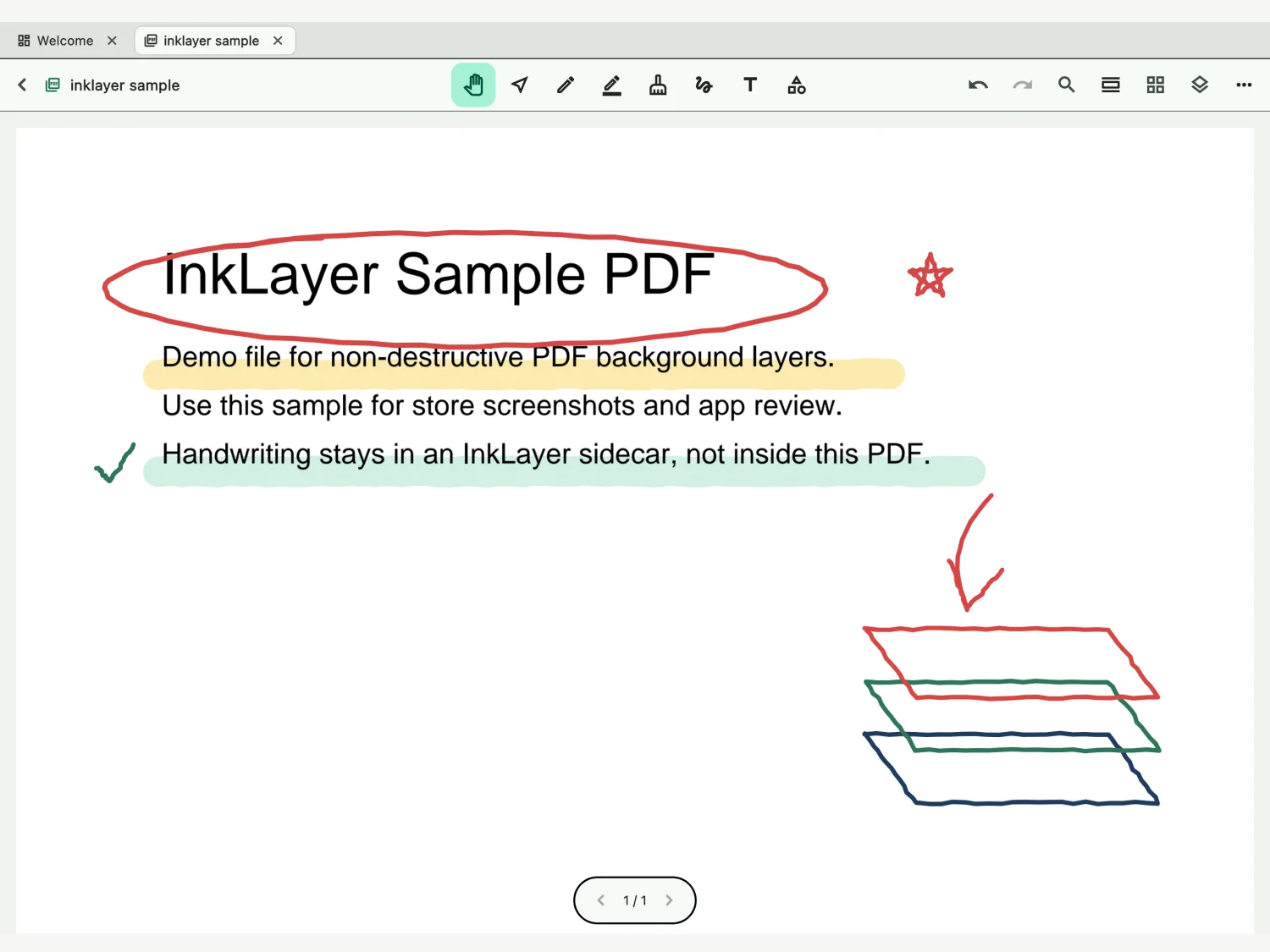
Mark up lecture slides, papers and contracts with Apple Pencil or a stylus. Your handwriting lives beside the PDF, so the file you imported never changes, and exporting puts it all together when you need it.
Layers
The PDF, typed text, handwriting and images stay separate. Hide what you don't need, lock what's finished, and choose where new ink goes.
Markdown notes
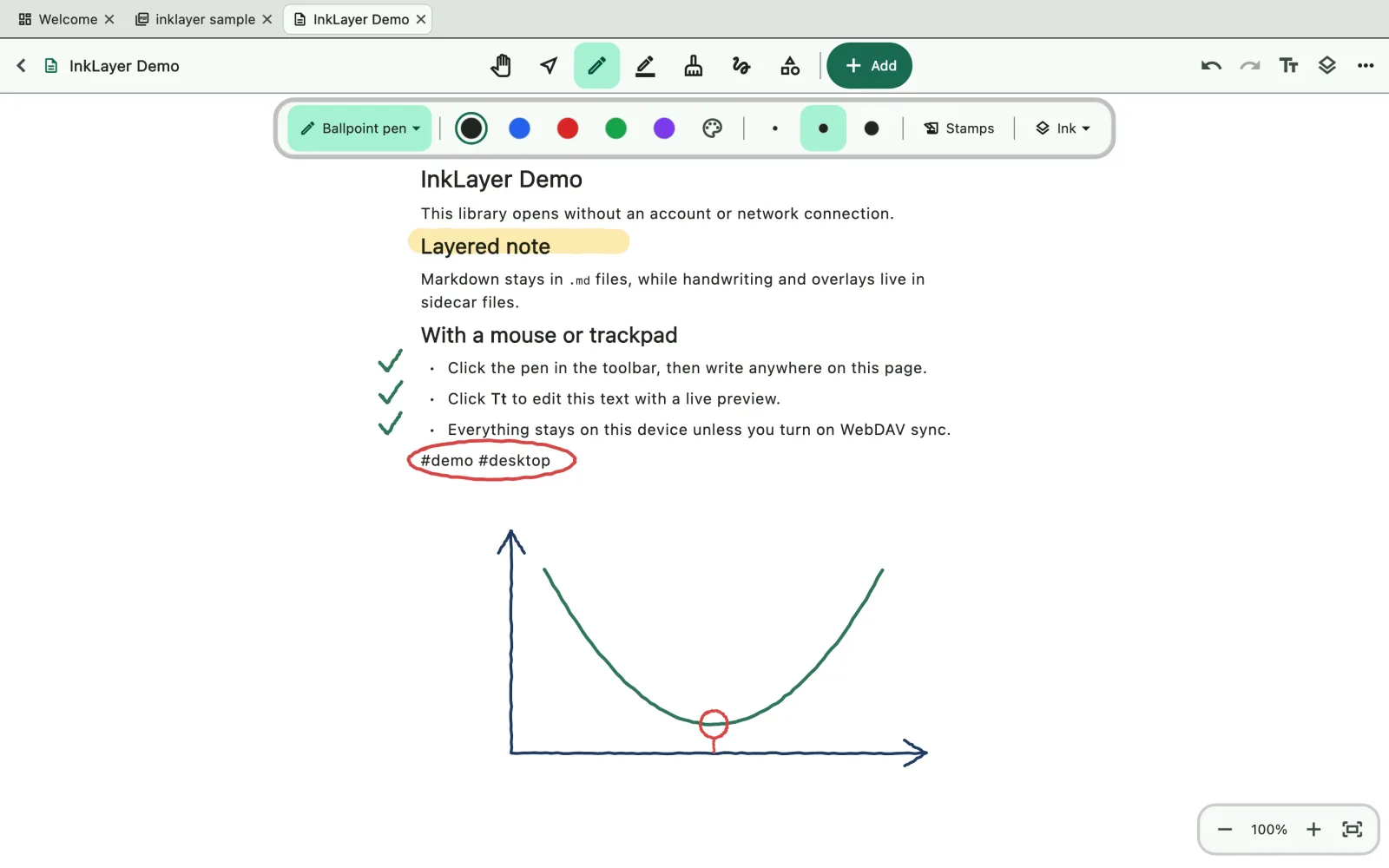
Write in Markdown with links between notes, backlinks, tags and maths. A graph shows how your ideas connect. Every note is an ordinary .md file.
Infinite canvas
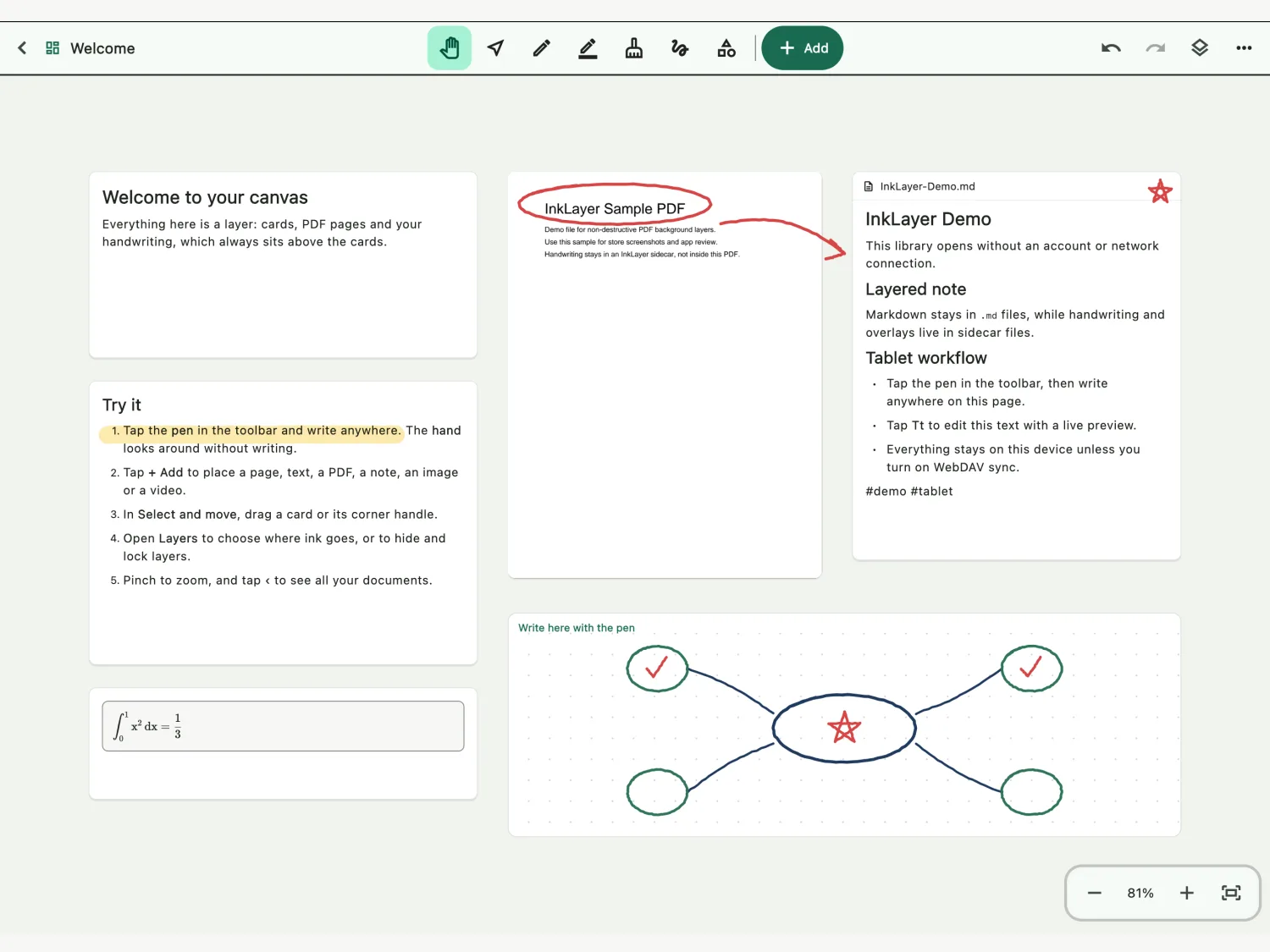
Lay out pages, PDF pages, notes, images, video and recordings side by side on an infinite canvas, then write across all of them. When it's time to share, play it as slides.
There's no cloud account to sign up for. A library is a folder on your device, and it stays readable without InkLayer.
A library is a folder of Markdown, PDFs and small sidecar files. Open it with other apps; back it up anywhere.
No account, no ads, no analytics. Handwriting is recognised on the device, and nothing you write is sent to us.
Keep your library in a folder you choose and sync it with your own WebDAV server. iCloud Drive and Google Drive arrive in 1.1.
Pressure-sensitive ink, palm rejection, and shapes that straighten themselves.
Record while you write. Play it back and your notes replay with it, stroke by stroke.
Play PDFs and canvas pages as slides, with a laser pointer.
No animation and higher contrast, for e-paper tablets.
Export a PDF with your ink, or a canvas as a PDF, an image or a video.
Export the whole library, optionally encrypted with a passphrase.
Every feature is in the free version. Lifetime removes one limit, once.
Free download
One purchase, no subscription
Nothing you write is ever locked, with or without Lifetime. The price is set by your App Store region.
Free to download. No account. Open it and write.